> ## Documentation Index
> Fetch the complete documentation index at: https://portkey-docs-chore-bedrock-service-tier-support.mintlify.site/llms.txt
> Use this file to discover all available pages before exploring further.
# Setup Claude Code or Codex using Agent CLI
> One command to connect Claude Code or Codex to Portkey — gateway routing, MCP tools, and team skills configured in a single interactive flow.
One command wires your AI coding agent through Portkey:
```bash theme={null}
npx github:portkey-ai/agent-cli
```
The wizard asks which agent you're setting up, validates your Portkey key, lets you pick a provider or Config, adds MCP servers, and syncs team skills.
**Requirements:** Node.js 18+ · [Portkey account](https://app.portkey.ai) with at least one provider in [Model Catalog](/product/model-catalog)
***
## What gets configured
### Gateway routing
```json Claude Code (~/.claude/settings.json) theme={null}
{
"env": {
"ANTHROPIC_BASE_URL": "https://api.portkey.ai",
"ANTHROPIC_AUTH_TOKEN": "YOUR_PORTKEY_API_KEY",
"ANTHROPIC_CUSTOM_HEADERS": "x-portkey-provider: @your-provider"
}
}
```
```toml Codex (~/.codex/config.toml) theme={null}
model_provider = "portkey"
model = "@your-provider/gpt-4o"
[model_providers.portkey]
name = "Portkey"
base_url = "https://api.portkey.ai/v1"
env_key = "PORTKEY_API_KEY"
```
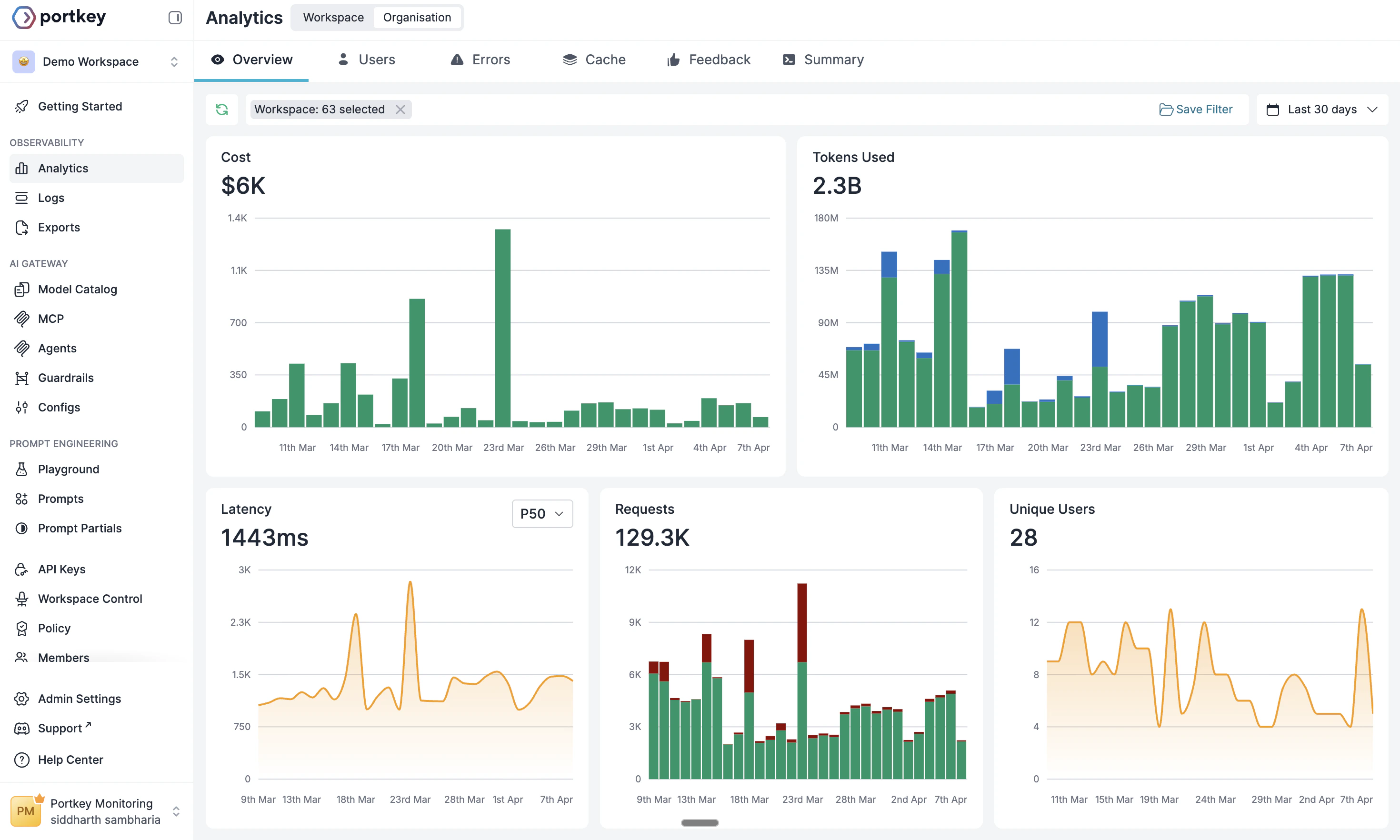
Every request appears in [Portkey Logs](https://app.portkey.ai) with cost, latency, and full trace detail.
 ### MCP servers
Fetches your workspace's MCP integrations and writes them to each agent's config — your Portkey API key included in headers automatically.
MCP integrations requiring upstream OAuth (e.g. Linear, Slack) are flagged during setup. For Claude Code, run `/mcp` to complete the OAuth flow. For Codex, run `codex mcp login `.
### Team skills
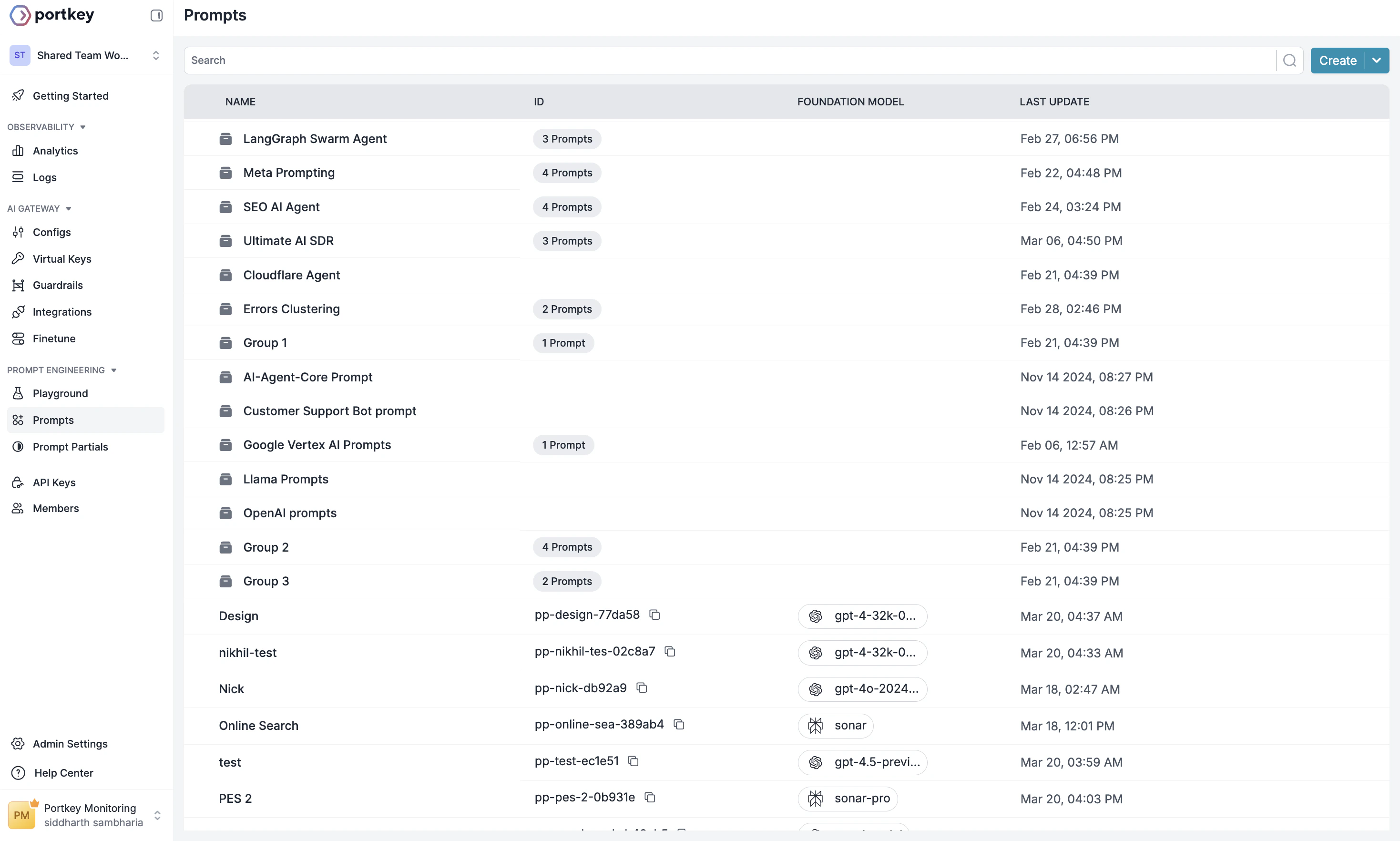
Syncs [Prompt Partials](/product/prompt-engineering-studio/prompt-partial) from Portkey as `SKILL.md` files to the agent's skills directory. Every developer runs one command and gets the same instructions.
### MCP servers
Fetches your workspace's MCP integrations and writes them to each agent's config — your Portkey API key included in headers automatically.
MCP integrations requiring upstream OAuth (e.g. Linear, Slack) are flagged during setup. For Claude Code, run `/mcp` to complete the OAuth flow. For Codex, run `codex mcp login `.
### Team skills
Syncs [Prompt Partials](/product/prompt-engineering-studio/prompt-partial) from Portkey as `SKILL.md` files to the agent's skills directory. Every developer runs one command and gets the same instructions.
 ***
## Commands
| Command | What it does |
| ------------------------- | ----------------------------------------- |
| `setup` | Full wizard — gateway, MCP, skills |
| `status` | Show current config and routing health |
| `verify` | Send a live test request through Portkey |
| `mcp add / list / remove` | Manage MCP server entries |
| `skills sync / list` | Sync team skills from Portkey |
| `uninstall` | Remove Portkey config from agent settings |
```bash theme={null}
# Examples
npx github:portkey-ai/agent-cli setup
npx github:portkey-ai/agent-cli status
npx github:portkey-ai/agent-cli skills sync
npx github:portkey-ai/agent-cli mcp add
```
***
## Next steps
Configure providers and model access in Portkey
Fallbacks, load balancing, and routing strategies
Create and sync team skills to every developer's machine
Centralized auth and observability for MCP tool access
***
## Commands
| Command | What it does |
| ------------------------- | ----------------------------------------- |
| `setup` | Full wizard — gateway, MCP, skills |
| `status` | Show current config and routing health |
| `verify` | Send a live test request through Portkey |
| `mcp add / list / remove` | Manage MCP server entries |
| `skills sync / list` | Sync team skills from Portkey |
| `uninstall` | Remove Portkey config from agent settings |
```bash theme={null}
# Examples
npx github:portkey-ai/agent-cli setup
npx github:portkey-ai/agent-cli status
npx github:portkey-ai/agent-cli skills sync
npx github:portkey-ai/agent-cli mcp add
```
***
## Next steps
Configure providers and model access in Portkey
Fallbacks, load balancing, and routing strategies
Create and sync team skills to every developer's machine
Centralized auth and observability for MCP tool access